
Insights
Synology security watch: check DSM and BeeStation OS
Use Synology’s SA-26:21 advisory to match your device and installed build to the right update.
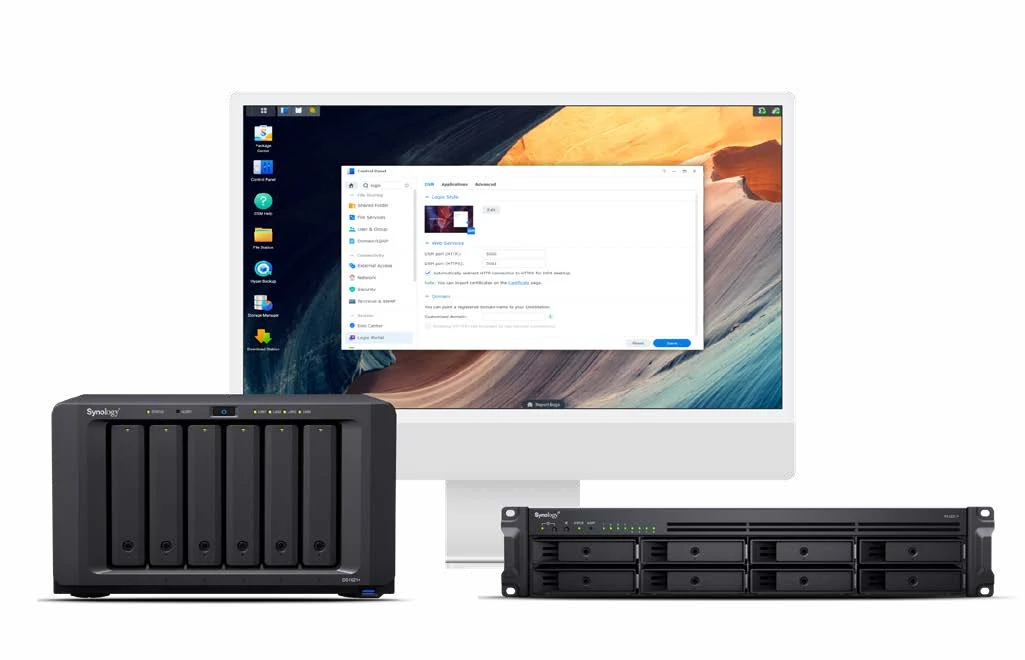
Synology’s critical advisory SA-26:21 covers certain builds of DiskStation Manager (DSM) and BeeStation OS. The update depends on the product and software branch. Synology advisory SA-26:21
What to check
- Record the product model and complete installed build. Check them against the advisory table, including any instructions specific to your branch.
- Install the update Synology specifies when available. After the restart, confirm the new build and check that shared folders and backup jobs still work.
- If you cannot update yet, review how the device is reachable from outside the office. Restrict remote access to what your team needs and keep checking the advisory for your branch.
Check that you can restore important files from a separate backup before putting the update into production.